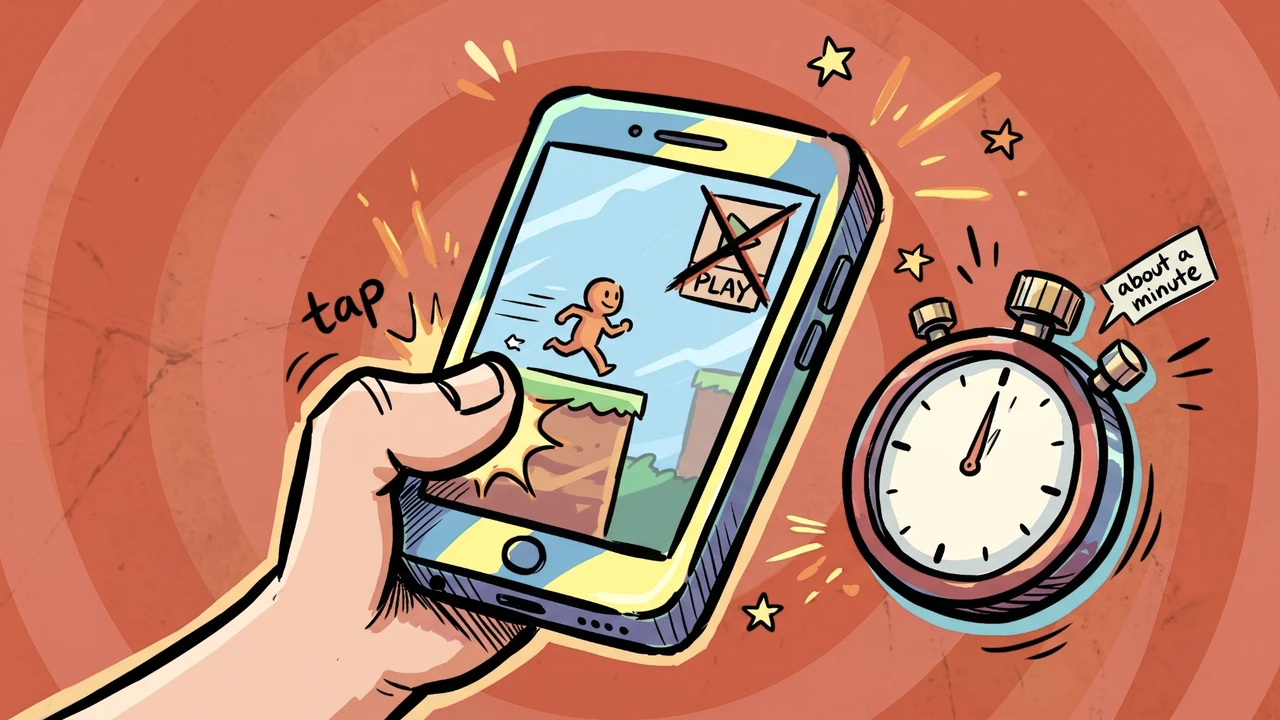
Get Them Playing Instantly!
You have a few seconds. A player in the feed decides almost immediately whether to stay or tap NEXT.
In short
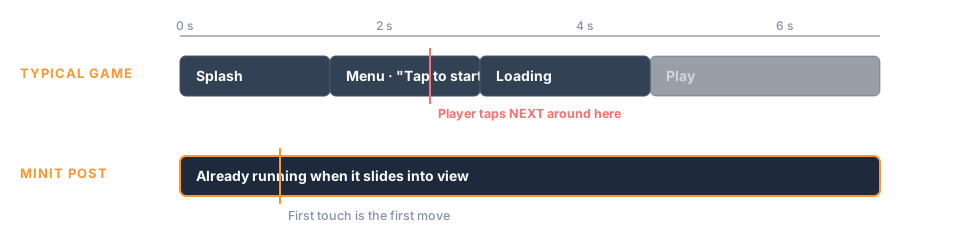
- No start button, menu or loading screen: the first touch is the first move.
- Show the tutorial to first-timers only, and keep the rules in your description.
- Test the returning-player path on a phone; Studio and web previews always show the tutorial.
Cut everything before the first move
When your Post slides into the feed, your game is already running. Minit Games owns the start, the replay and the result screen. That means your game needs none of these (The Minit Games Format! shows the whole feed):
- a title screen or "Tap to start" button
- a main menu or level select
- a loading screen of your own
- a "Play again" button at the end
Every one of these is a moment where the player can leave. Remove them, and the very first touch becomes the first real move in the game. The result and replay screen are covered in Land the Ending!.
Tip: Ask yourself: "If someone touches the screen one second after it appears, does something meaningful happen?" If the answer is no, that second is your next thing to fix.
Teach first-timers, skip regulars
New players may need a little help. Returning players definitely don't.
The app knows whether this player has played any Post of your Game before, and the SDK passes that on through shouldShowTutorial() (ShouldShowTutorial() in Unity, should_show_tutorial() in Godot and Defold). Use it so the tutorial appears only for first-timers. Everyone else jumps straight in.
When you do teach, show, don't tell. A pointing finger or a highlight ring on the thing to tap beats a paragraph of rules every time. Let the player learn by doing, one step at a time.
To skip only the parts a returning player has already learned, see Remember Your Players.
Put the rules in your Game's description as well. Players can open it from the Post at any time, so anyone who missed the tutorial or forgot a detail always knows where to look. The description has its own Controls and Game Logic sections for exactly this; see Writing & formatting your Game description.
Warning: Studio and web previews always show the tutorial, so they can't tell you how a returning player experiences your Game. Test that path in the Minit Games app on your phone.
Built for the hand holding the phone
Your Post is played in portrait, with one thumb, often on the move. A few basics make a big difference:
- Portrait and touch first. Design for a tall portrait screen; the recommended surface is 960×1480.
- Big, forgiving tap targets. Fingers are less precise than mice.
- Keep the download small. Aim for under 5 MB. A lighter ZIP loads faster, and a faster load means more players see your first frame instead of a spinner.
- Signal when you're ready. If your game tells the app it has finished loading, players never see it half-drawn. See Get Boosted by the Minit SDK!.